Controls and Camera Setup for Smoother Off-Road Driving
Good off-road driving starts with comfortable controls. This guide covers input devices, throttle control, camera angles and sensitivity settings.
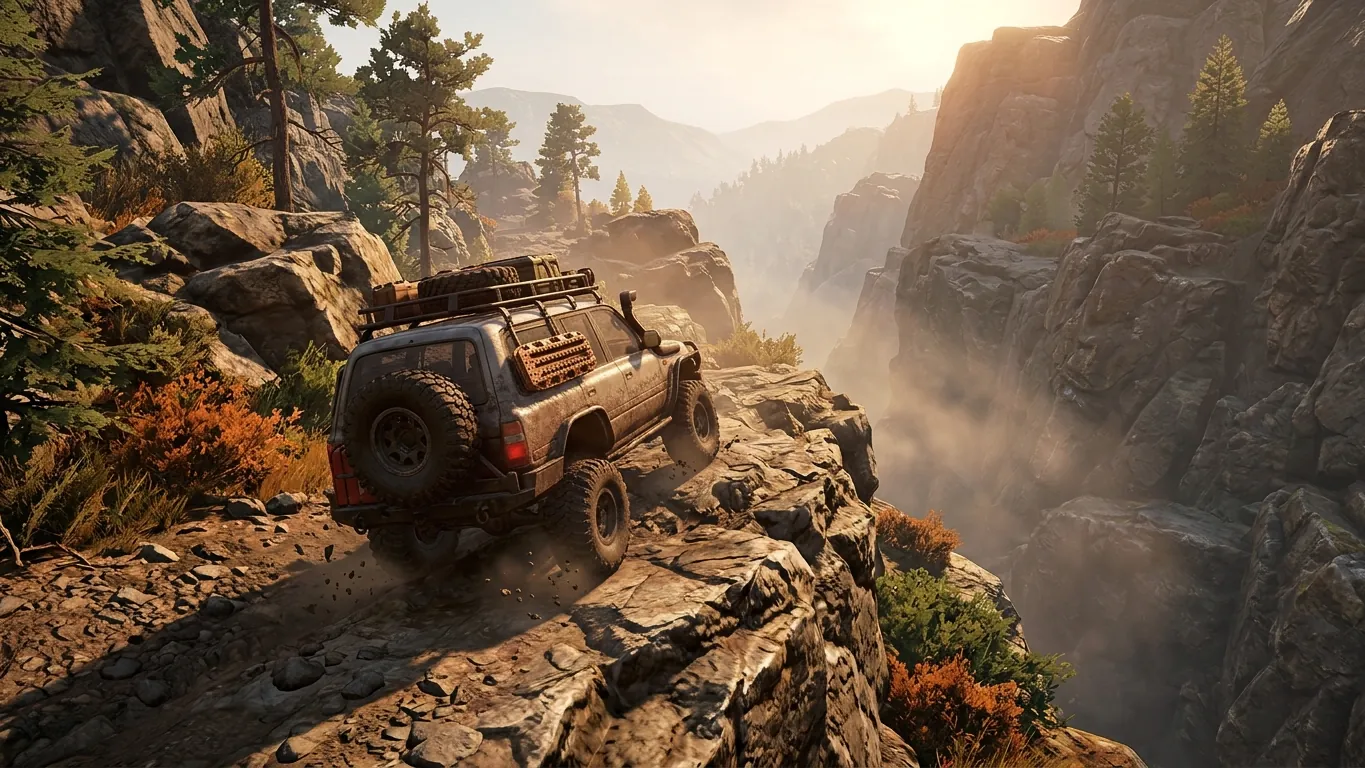
Controller, Keyboard or Wheel
Off-road games can be played with many input devices, and each has strengths. A controller with analog triggers offers gradual throttle and brake input, which is valuable in mud and on climbs. Analog sticks allow fine steering adjustments without much setup.
A keyboard is simple and widely available, but its keys are usually either on or off. That makes delicate throttle control harder, though some games smooth out keyboard input. A steering wheel with pedals can feel immersive and precise, especially for crawling, but it requires space and some time to configure. There is no single correct choice. The best device is the one that lets you control throttle and steering smoothly and comfortably.
Throttle Control Matters Most
In off-road games, gentle throttle often solves more problems than steering ever will. Too much power spins the wheels, digs ruts and wastes traction. Too little can stall momentum on a climb.
If you use a controller, practice holding the trigger at partial positions. On a keyboard, try short taps rather than holding the key down. With pedals, focus on smooth, progressive pressure. Many players find that their off-road driving improves noticeably once they stop treating the throttle like a switch and start treating it like a dial.
Camera Angles for Technical Driving
The camera shapes what you can see, and in off-road driving, seeing the terrain is half the battle. Close cockpit or bumper views can feel immersive but often hide what the wheels are touching. Wider external views let you judge wheel placement, clearance and slope angles more easily.
For technical sections, many players prefer a higher, wider third-person view. On open trails or races, a closer chase camera may feel more natural. Learn the controls for rotating and zooming the camera, and do not hesitate to stop and look around before tackling a tricky obstacle.
Sensitivity and Dead Zones
Most games include settings for steering sensitivity and input dead zones. Sensitivity controls how strongly the vehicle reacts to your input. Higher sensitivity can feel twitchy on rough ground, while lower sensitivity offers finer control at the cost of slower response.
Dead zones define how far you must move a stick or pedal before the game registers input. A large dead zone can make small corrections difficult; a very small one may pick up unintended movements. Adjust these gradually and test them on varied terrain. Small changes can make a vehicle feel noticeably calmer and more predictable.
Practice Routines
Once your controls feel comfortable, spend time in an easy area practicing specific skills. Try climbing a modest hill using only partial throttle. Cross a muddy patch while keeping wheel spin to a minimum. Navigate a rocky section using a wide camera angle and slow, deliberate inputs.
Short, focused practice sessions help build muscle memory without the pressure of a long expedition or race. When you return to a challenging map, you will find that your hands already know what to do, leaving your attention free for reading terrain and planning your route.
Related articles
 Why Slow Driving So Often Wins Off-Road
An opinion piece on why patience and slow, deliberate driving often pay off in off-road games, and when it makes sense to put your foot down.
Read more
 Mastering Hill Climbs, Side Slopes and Descents
Tips for steep hill climbs, side slopes and controlled descents in off-road games, with a simple checklist to approach any slope with confidence.
Read more
 Four-Wheel Drive Basics Every Off-Road Player Should Know
Understand two-wheel, all-wheel and four-wheel drive, low range and differential locks, and how each one changes the way your vehicle behaves off-road.
Read more